
- Industries
- Products
Remote Drone Operation Solutions

Developer Technologies

Accessories
- Insights
- Events
- Eco System
- Data Security
- Support


- Industries
- Products
Remote Drone Operation Solutions
Developer Technologies
Accessories
- Insights
- Events
- Eco System
- Data Security
- Support
Unleash the Power of One
“H” For Hybrid
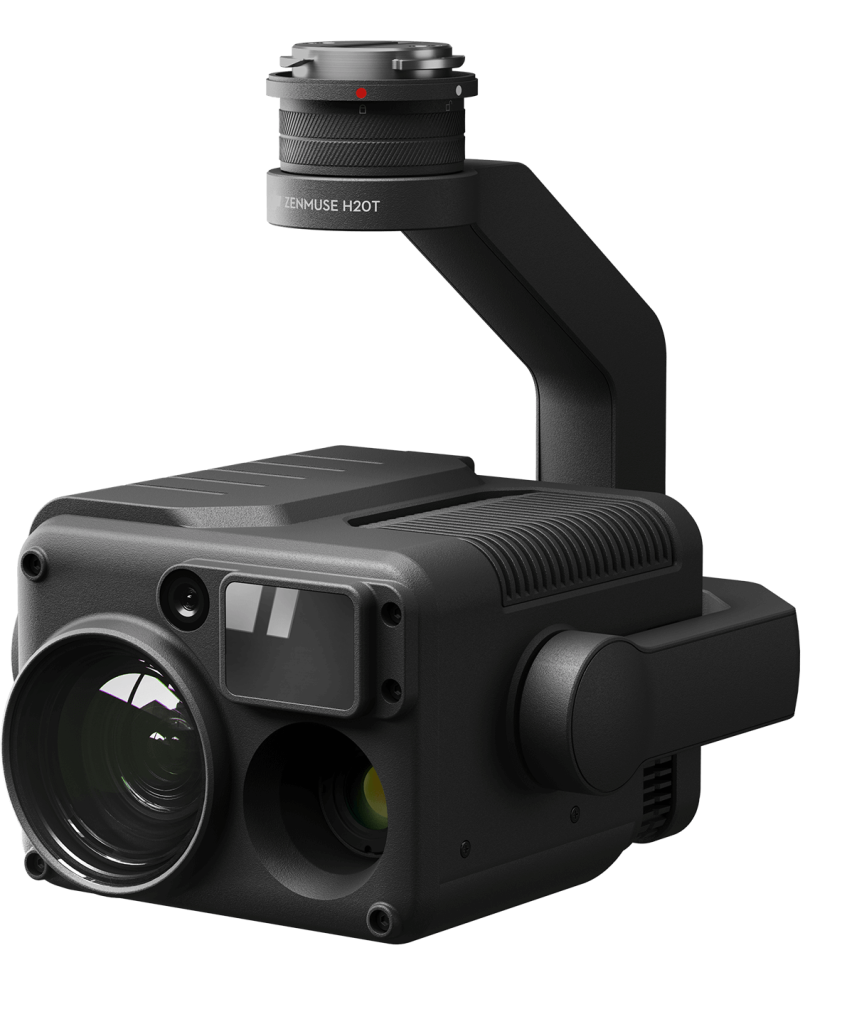
Welcome to DJI’s first hybrid sensor solution – the Zenmuse H20 Series.

12 MP Wide Camera
82.9° DFOV

20 MP Zoom Camera
23× Hybrid Optical Zoom

Radiometric Thermal Camera
640×512 px

Laser RangeFinder
1200 m Max Range

IP44 Rating

-20°C to 50°C Operating Temperature

Active Image Stabilization and EIS

Night Scene Mode
All The Sensors You Need – In One
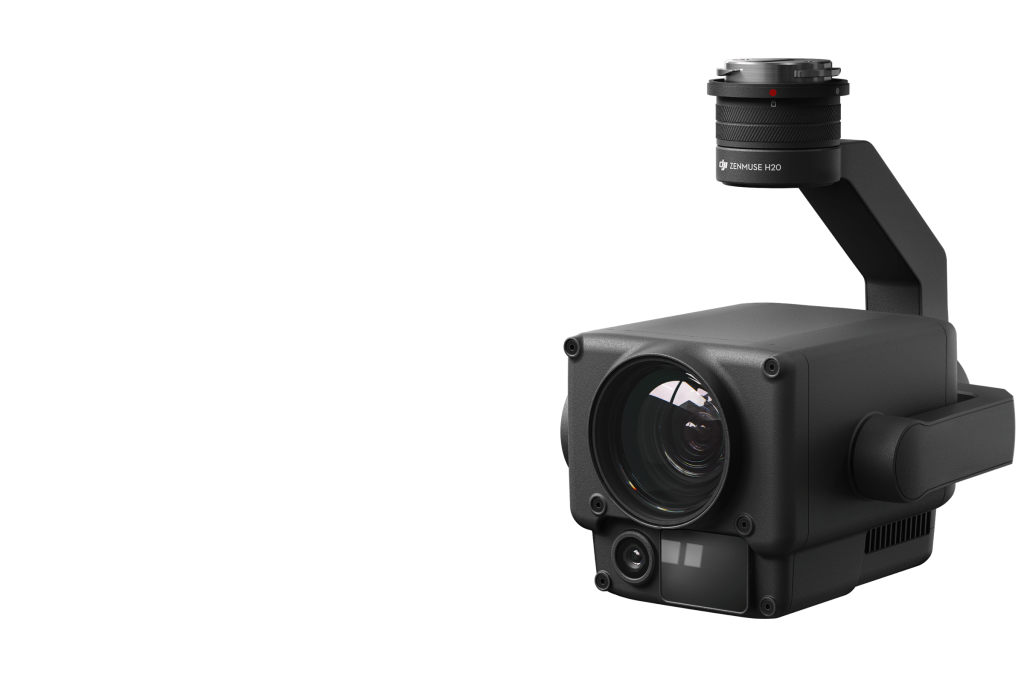
H20 – Triple-Sensor Solution
- 20 MP Zoom Camera
- 12 MP Wide Camera
- 1200 m LRF
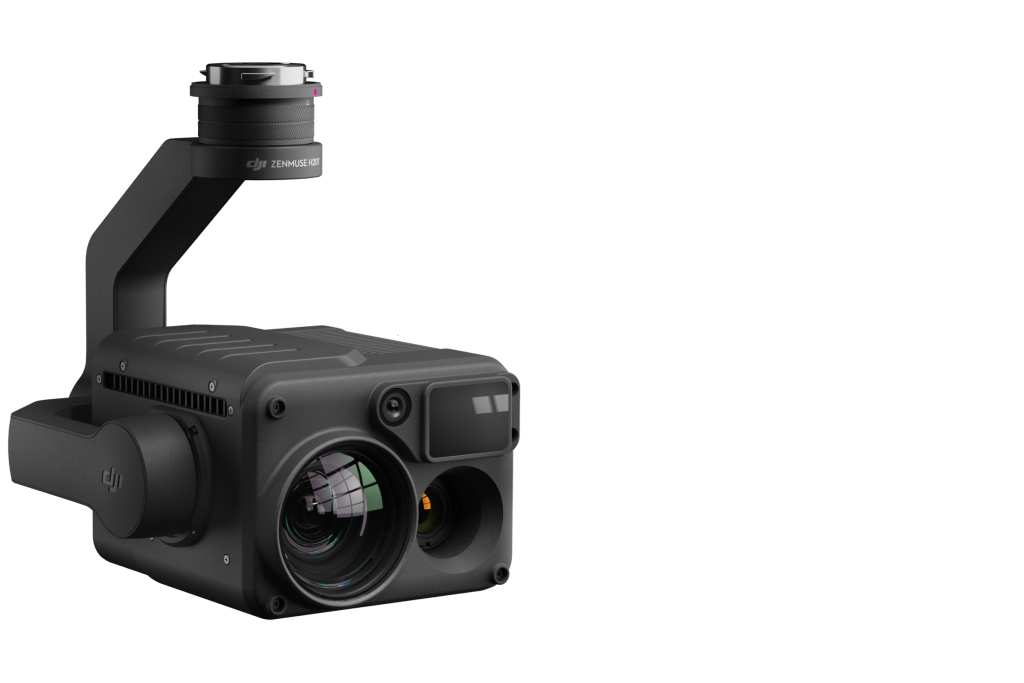
H20T – Quad-Sensor Solution
- 20 MP Zoom Camera
- 12 MP Wide Camera
- 1200 m LRF
- 640×512 px Radiometric Thermal Camera
Closing the Distance
Powerful Zoom Camera
- 23× Hybrid Optical Zoom, 200× Max Zoom
- 20 MP 1/1.7” CMOS Sensor
- Video Resolution: 4K/30fps
Everything in View
Wide Camera
- Equivalent Focal Length: 24mm, DFOV: 82.9°
- 12 MP 1/2.3” CMOS Sensor
Precise Distance Data
Laser Rangefinder
- Range: 3 m – 1200 m
- Accuracy: ± (0.2 m + D×0.15%)
See the Unseen
Radiometric Thermal Camera
- DFOV: 40.6°
- Resolution: 640×512, Frame Rate: 30fps
- Thermal Sensitivity: ≤ 50mk@f1.0 (NEDT)
The All-In-One
Multi-Sensor Payloads
Seamless User Interface
Intelligent Ways to Collect Data
AI Spot-Check
High-Res Grid Photo
PinPoint
Smart Track
Visualize Temperatures Immediately
Accurate Temperature Measurement
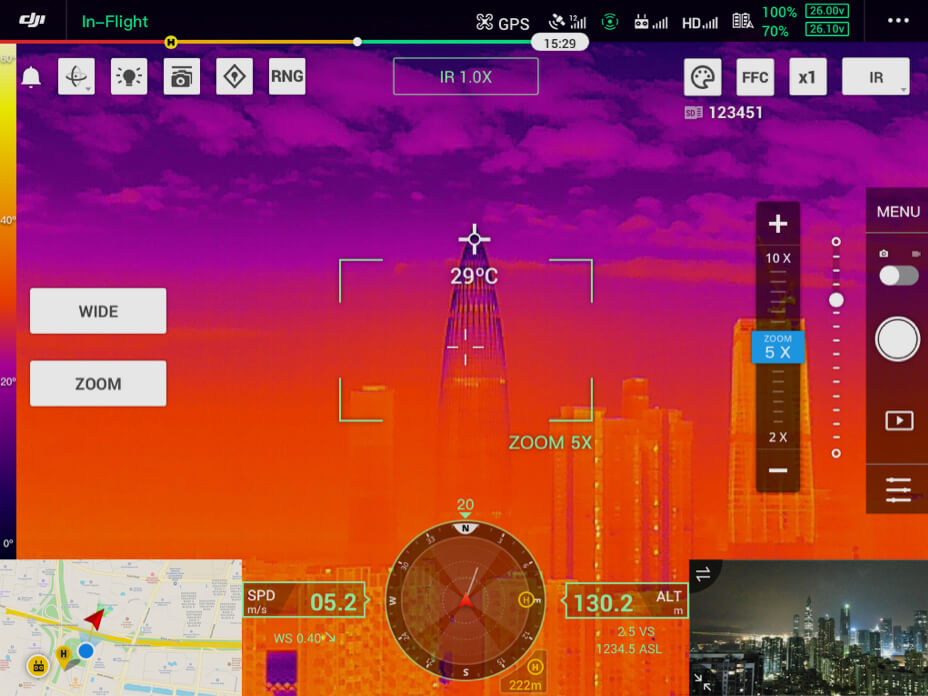
Spot Meter
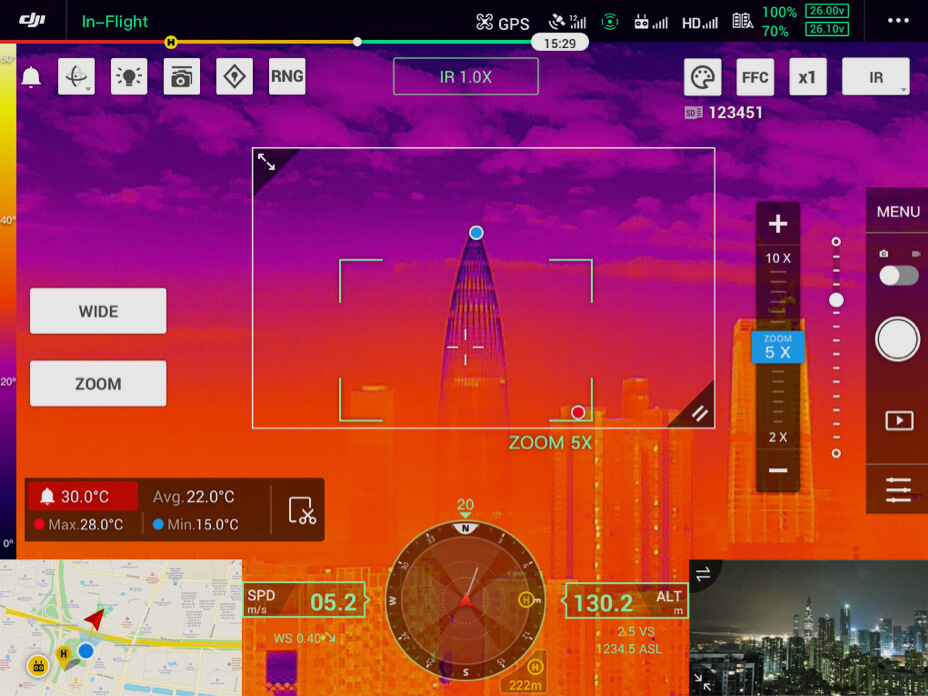
Area Measurement
Intelligent Features

Temp Alarm
Receive instant notifications in DJI Pilot when object temperatures exceed your preset alert values.

Isotherms
Visualize a specific band of temperatures to find what is important.

Color Palettes
Adjust the colors applied to the thermal data based on the needs of specific scenarios.

Gain Modes
Adjust gain modes to change the temperature range captured: High Gain Mode covers a smaller temperature range but is more sensitive to temperature differences; Low Gain Mode covers a wider temperature range.

R-JPEG Images
Images captured by the Zenmuse H20T are in the R-JPEG format with embedded temperature information. By importing these images into DJI Thermal Analysis Tool, you can measure temperature, and adjust parameters such as Emissivity, and Reflected Temp.
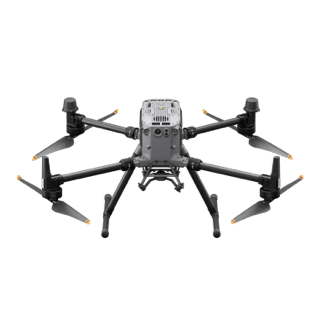
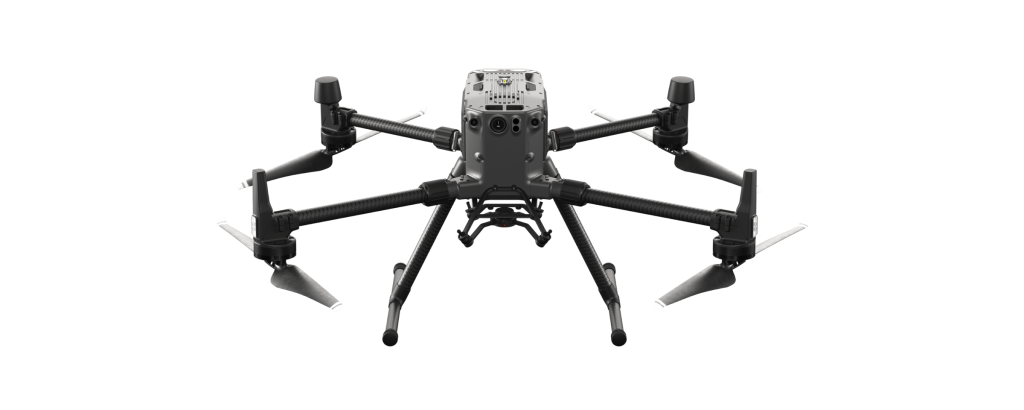
The Optimal Match for The Matrice 300 RTK
Law Enforcement
Oil & Gas
What are you waiting for? Contact us right now and get a free quote for your project
About Us
At Rarlon Tech, we are proud to bring you cutting-edge solutions by offering a wide range of products from DJI Enterprise, a globally recognised leader in drone technology. Our partnership with DJI ensures you receive high-quality, reliable, and innovative tools to meet your business and operational needs.
Explore
Support
Copyright © 2024 Rarlon Tech. All Right Reserved.